
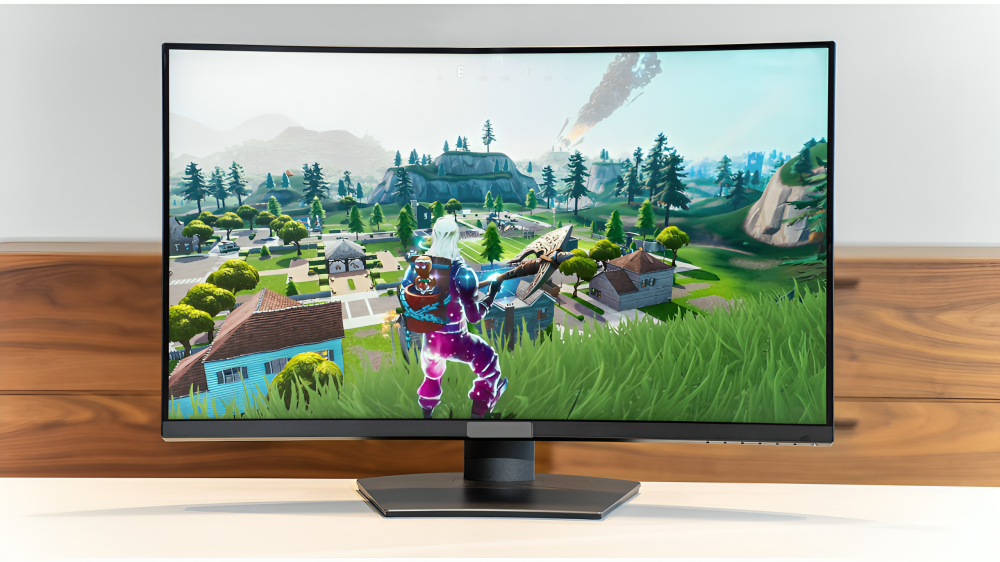
Your monitor height sets the tone for your whole setup. Get it right and your neck feels light, your shoulders relax, and your eyes stay calm through long days. Get it wrong and small aches can turn into daily pain.
The good news is that you do not need special tools to fix it. A few small moves can change your posture and your comfort.
In this article, you will learn simple ways to set screen height, distance, and angle so your body feels supported even for a 32-inch computer monitor. Each tip is easy to try and takes only a minute. Use what fits your space today. Save the rest for later.
1) Match the top of your screen to eye level
Start by sitting really straight, tall, with your back supported by the chair. After that, you should now turn your eyes to face forward, looking at the screen. If you use a 32 inch computer monitor, keep the top edge at or just below eye level. And there are a few reasons why this helps out in the long run.
Why this helps:
- Your eyes like a gentle downward gaze. This keeps your neck in a neutral zone.
- A lower top line reduces the urge to lift your chin or hunch your shoulders.
- Words near the middle of the screen land in your natural viewing zone.
How to do it fast:
- Look straight ahead. Note where your eyes meet the screen frame.
- Raise or lower the screen so the top edge is near that point.
- Use a stack of books, a riser, or an arm to fine-tune the height.
2) Set a safe viewing distance and a slight tilt
About one arm’s length between your eyes and the screen should be the distance. Most people end up between 2 and 3 feet. The far end of that range is usually allowed by larger desks. So, back off the screen a little and then face the screen at your eyes. By doing this, the top and bottom lines will be at a similar distance from you.
Quick check points:
- You can read the small letters without leaning close to the book or paper.
- You can easily access the corners of the screen without pushing your head forward.
- Soft tilt gives low glare, and the eye muscles get refreshed.
If the text is tiny, do one of the following: increase the zoom level or use display scaling. Locating letters you want to be seen just by pulling the monitor closer is not the solution.
3) Adjust for screen size
Big screens can be great for focus and flow. They also ask more of your neck if they sit too high. Keep the top of a large display near eye level or a bit lower. If the screen is very tall, you may drop it slightly more so the line you read most often sits well below eye height. Start at arm’s length and slide the screen a little farther away if your field of view feels crowded.
Signs you have it right:
- You can scan from top to bottom without lifting your chin.
- You can read the side panels without turning your head a lot.
- You can sit back with your back against the chair while you work.
4) If you wear bifocals or progressives
Multifocal lenses change how you aim your eyes. Many people tip their head back to see through the lower part of the lens. That posture strains the neck. Lower the monitor a bit compared to eye level so you can keep your head tall and your gaze downward.
A drop of one or two inches is often enough. Another option is to use single vision computer glasses that match your usual viewing distance.
5) Align multiple monitors the smart way
If you use two screens, place your main one straight in front of you. Put the second screen next to it with the top edges level. Angle both screens in slightly so they face you.
If you use both screens the same amount of time, center the seam between them with your nose. If one screen is primary, center that one and place the second off to the side.
Extra tips for dual screens:
- Keep both at the same height and distance.
- Match brightness and text size so your eyes do not work harder on one.
- Set the same scaling and color temperature for a smooth visual shift.
Conclusion
The correct height for your 32-inch computer monitor is not complicated. The top of the screen should be at eye level or slightly below. You should be sitting around an arm’s length away. Add a slight tilt that points to your eyes. Then adjust for your glasses, screen size, and the way you work.
Setting up for only a few minutes can make you pay for it for hours of strain. Start with the five-minute routine and listen to your body as you go. When it becomes easy for you to read and your face and neck relax, then you are there. When you change your chair, desk, or task, you should recheck your setup. You can be comfortable for a long time just by making small adjustments today.


