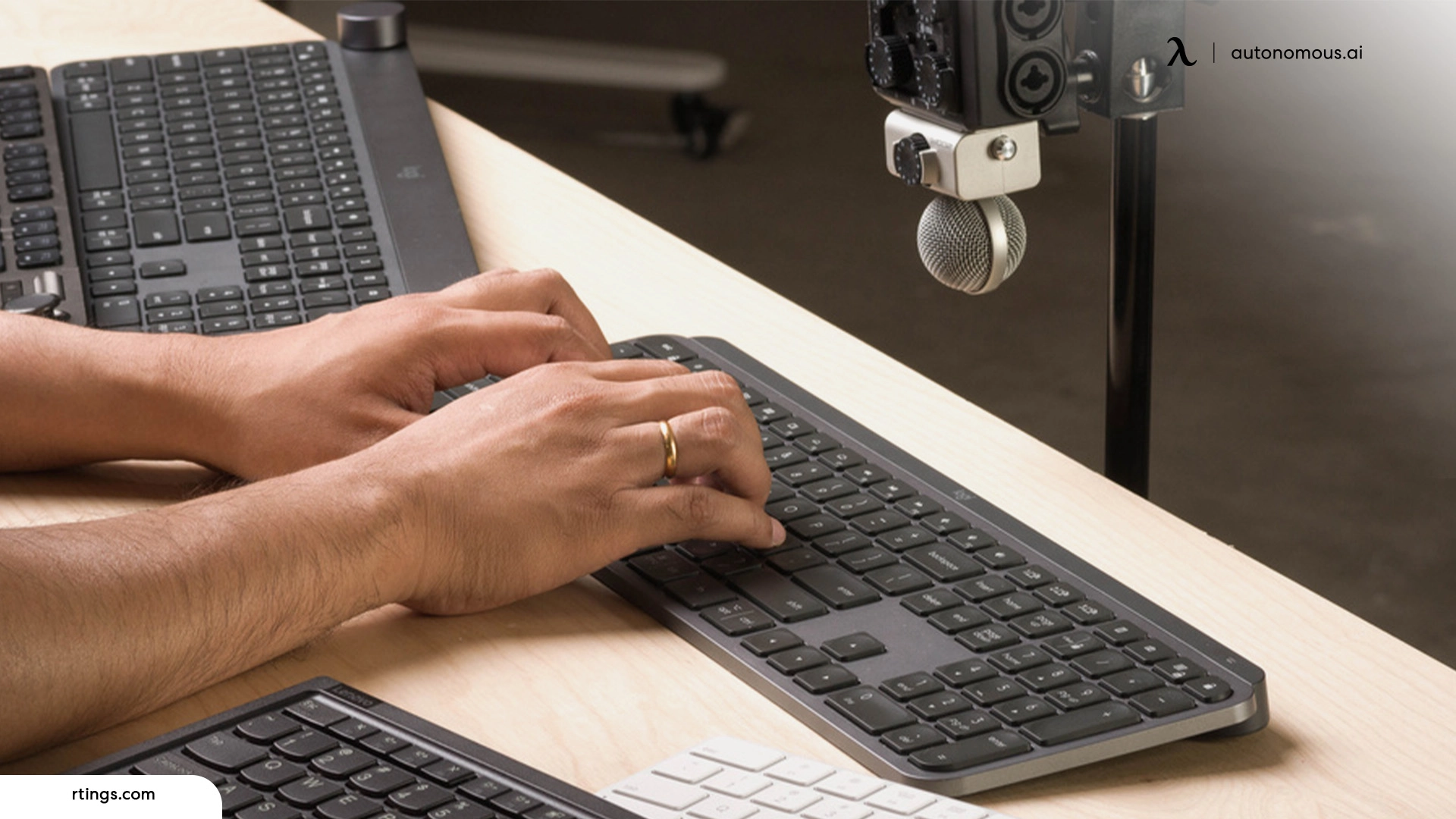
Mechanical keyboards are beloved for their durability, tactile feedback, and typing precision, but they are often associated with loud keypresses that can be disruptive in shared spaces. Whether you are working in a quiet office environment or striving for a peaceful home workspace, choosing a quiet mechanical keyboard can significantly improve your typing experience without disturbing those around you. This article explores the key factors to consider when selecting a quiet mechanical keyboard that balances performance with minimal noise, ensuring comfort and productivity in both professional and personal settings.
Why Quiet Mechanical Keyboards Matter
For many users, the satisfying click of mechanical switches is an integral part of the typing experience. However, in offices, co-working spaces, libraries, or homes with family members or roommates, high-pitched clicky sounds can be unwelcome. Traditional mechanical switches, especially clicky types, produce significant noise due to their design, which includes audible feedback with each keystroke. Quiet mechanical keyboards, on the other hand, aim to reduce this audible footprint while retaining the tactile or linear feel that makes mechanical keyboards desirable in the first place. Before diving into specific features, it can be helpful to explore curated recommendations for the best quiet mechanical keyboard for office to see how various models balance noise reduction and performance in real-world use.
Understanding Keyboard Switch Types
Switches are the fundamental component that determines the feel and sound of a mechanical keyboard. There are three primary types of switches: linear, tactile, and clicky. Linear switches offer smooth keystrokes with no tactile bump or audible click, making them inherently quieter than other types. Tactile switches provide a subtle bump to indicate actuation, enhancing typing accuracy, but they can still generate moderate noise depending on the switch design. Clicky switches, while satisfying for some typists, produce a distinct sound that is typically unsuitable for quiet environments.
When selecting a quiet mechanical keyboard, consider linear or tactile switches that are specifically designed for low noise. Many manufacturers offer “silent” variants of popular switches, which include dampening materials to reduce the sound of key bottoming and return. These silent switches are ideal for office and home use because they maintain mechanical responsiveness without the disruptive noise often associated with traditional mechanical keyboards.
Key Features That Reduce Noise
In addition to switch type, several design features contribute to a quieter typing experience. Keycap material plays a role; thicker keycaps absorb more sound than thinner ones, reducing high-frequency noise. PBT (polybutylene terephthalate) keycaps are generally preferred over ABS (acrylonitrile butadiene styrene) keycaps because they tend to produce a deeper, less sharp sound.
Another important feature is internal sound dampening. High-quality quiet mechanical keyboards often include foam or silicone layers inside the keyboard housing to absorb vibrations and reduce echo. These materials help minimize resonance, resulting in a more muted overall sound. Some keyboards also incorporate O-rings or silicone pads on the keycap stems to soften key travel and further reduce noise.
The keyboard’s build and case material also impact acoustics. Metal cases, while durable, can amplify sound, whereas high-grade plastic cases with internal dampening tend to produce a quieter profile. When evaluating quiet keyboards, pay attention to product descriptions and user reviews that specifically mention sound characteristics and internal noise reduction features.
Typing Experience and Comfort
While noise reduction is a priority, it is equally important to ensure that the keyboard remains comfortable and efficient for typing. A keyboard that is too soft or mushy can hinder productivity, especially for users who spend hours typing each day. Quiet mechanical keyboards that use silent switches should still offer crisp actuation and tactile feedback if possible. Try to find a balance between smooth keypresses and subtle tactile response.
Ergonomics also play a crucial role in comfort. Look for keyboards with adjustable tilt feet, wrist rests, or ergonomic designs that promote a natural hand position. This is especially important if you plan to use the keyboard for both work and personal tasks. Comfortable keyboards reduce fatigue and can improve typing speed and accuracy, which benefits both office productivity and casual use at home.
Connectivity and Compatibility
Consider how you will connect your quiet mechanical keyboard to your devices. Wired keyboards offer stable connections with minimal input delay, which is ideal for fast typists and gamers. Wireless keyboards, whether through Bluetooth or dedicated dongles, provide flexibility and a cleaner desk setup but may require battery management and occasional reconnecting. Evaluate your workspace and device setup to determine which connection type best fits your needs.
Compatibility with multiple operating systems is another factor to consider. Many quiet mechanical keyboards support Windows and macOS, but layout differences and software features may vary. If you plan to switch between devices or operating systems frequently, ensure the keyboard is fully compatible or provides easy toggling options.
Aesthetics and Additional Features
While performance and noise reduction are paramount, aesthetics and extra features also contribute to the overall experience. Quiet mechanical keyboards may include backlighting, customizable RGB lighting, or simple monochrome illumination. Lighting features can enhance visibility in low-light conditions and add a personalized touch to your setup, but they may slightly impact battery life on wireless models.
Some keyboards also offer programmable keys, macro support, and dedicated media controls, which can be useful for office tasks and multimedia use. However, these additional features are secondary to core performance and noise characteristics when selecting a keyboard for quiet environments.
Real-World Testing and Reviews
Before making a purchase, take advantage of reviews and sound tests available online. Many reviewers provide audio samples of keyboards in action, allowing you to hear how they perform in real typing scenarios. Real-world feedback can reveal whether a keyboard’s noise reduction features are effective and if typing feel meets your expectations.
User reviews also highlight durability and long-term satisfaction, which are especially valuable for office use where the keyboard may see heavy daily use. Look for feedback on build quality, key feel consistency, and any issues that arise after extended use.
Final Thoughts
Selecting a quiet mechanical keyboard for office and home use requires careful consideration of switch types, noise reduction features, typing comfort, and overall build quality. By understanding how these factors contribute to both performance and acoustic profile, you can choose a keyboard that enhances productivity without disturbing those around you. A well-chosen quiet mechanical keyboard delivers the best of both worlds: the tactile satisfaction of mechanical switches and a subdued sound profile suited to shared environments.